Last updated: January 2026
Most "free" PDF tools aren't really free. They let you process one or two files, then hit you with a paywall — or they stamp a large watermark across every page of your output. Neither is actually useful if you need the file for professional use.
This guide covers what to look for in a genuinely free PDF tool, which features matter most, and where to find tools that work without an account and without watermarking your files.
What "Free" Actually Means for PDF Tools
The word "free" is used loosely in this space. Here's how it usually breaks down:
| Type | What it means in practice |
|---|---|
| Freemium | Basic features free, core tools paywalled or file-size limited |
| Free with watermark | Full processing available but output files branded with the tool's logo |
| Free trial | Full access for a limited time, requires card or account to start |
| Genuinely free | Core tools available without payment, account, or watermark — often ad-supported |
For occasional use — compressing a CV, splitting a form, merging a couple of documents — you want the last category. The others just create friction.
What to Look For in a Free PDF Tool
- No login required. Creating an account to compress one file is unnecessary friction. The best free tools work immediately, without registration.
- No watermark on output. A watermarked file is unprofessional and often unusable. Any tool that adds its logo to your document — without a paid plan to remove it — isn't actually free in any meaningful sense.
- Works in a browser. You shouldn't have to download software for basic tasks. Browser-based tools work on any device — Windows, Mac, iPhone, Android — without installation.
- Reasonable file size support. Most standard documents fall well within typical limits, but the tool should handle normal business and personal documents without issues.
- Privacy-conscious. Files you upload should be encrypted in transit and deleted automatically after processing. A reputable tool will state this clearly.
The Core PDF Tasks Most People Actually Need
Most people's PDF needs come down to four or five operations. Here's what to look for, and where to do each one for free:
Compress PDF — Reduce File Size
The most common task. You need to email a document, upload it to a portal, or send it on WhatsApp, and it's too large. A good compressor handles this automatically — no settings to adjust, just upload and download a smaller file.
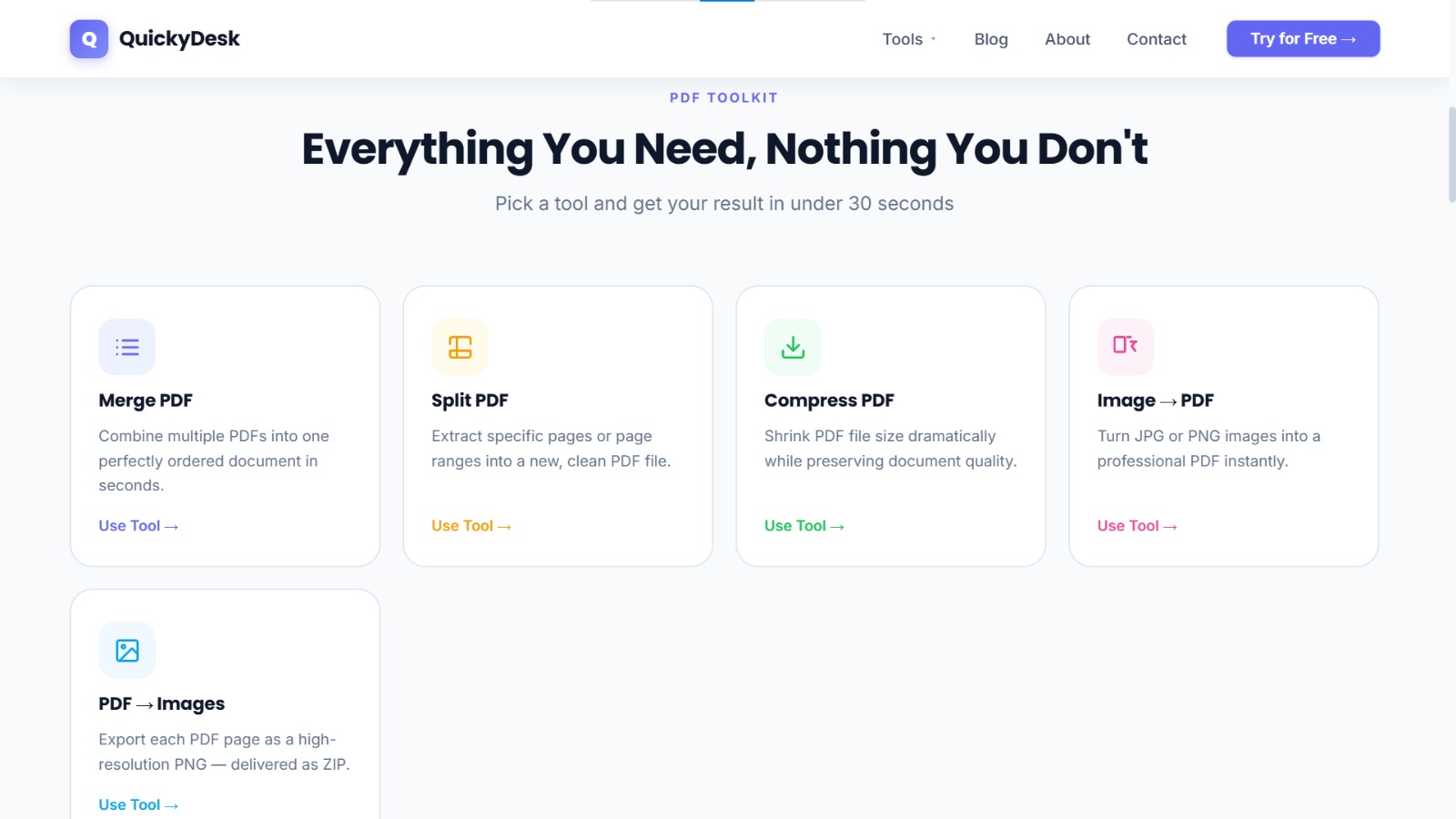
Where to do it free: QuickyDesk PDF Compressor — no login, no watermark, automatic compression.
Merge PDF — Combine Multiple Files
Joining two or three PDFs into one document — a cover letter and CV, multiple invoices, scanned pages from different sources. Should take under a minute.
Where to do it free: QuickyDesk PDF Merger — select multiple files, arrange them in order, download the combined result.
Split PDF — Extract Pages
You have a large document and only need specific pages. A split tool lets you choose which pages to extract without affecting the original.
Where to do it free: QuickyDesk PDF Splitter — select page ranges, download just what you need.
Convert Image to PDF
You've scanned something with your phone or have a JPG or PNG file that needs to be a PDF. A converter combines your images into a single PDF document.
Where to do it free: QuickyDesk's convert tool — upload JPG or PNG files, download a PDF.
Convert PDF to Images
Extracting individual pages from a PDF as image files — useful for presentations, social media, or when someone needs an image rather than a document.
Where to do it free: QuickyDesk's PDF to image converter — each page becomes a PNG, delivered as a ZIP.
The Hidden Costs of "Free" Tools to Watch Out For
- Watermarks. Some tools add branding to every page of your output. This makes the file unusable for professional purposes and is not genuinely free.
- File limit tricks. "Free up to 2 files per day" or "free for files under 5MB" — restrictions that kick in right when you need the tool most.
- Mandatory account creation. Being asked to create an account before processing a file is a data-collection strategy. Reputable free tools don't require it.
- Aggressive upsell during processing. Pop-ups, full-screen upgrade prompts, and download buttons that are actually ads — all common on low-quality free tools.
- No privacy policy. If a free tool doesn't explain what happens to your uploaded files, that's a red flag. Your documents should be deleted after processing.
What Makes QuickyDesk Different
QuickyDesk is built around a simple idea: the most common PDF tasks should be free, fast, and frictionless. That means:
- No account required — open the tool and start immediately.
- No watermarks on any output file, for any tool, at any file size.
- Files are encrypted during upload and automatically deleted after processing.
- Works in any browser on any device — no app, no software, no plugin.
- The tools are compress, merge, split, and convert — covering the vast majority of everyday PDF needs.
Try QuickyDesk — free, no login, no watermark
Merge, split, compress, and convert PDFs in seconds. No account needed.
Start for Free →QuickyDesk offers a complete free PDF toolkit — merge, split, compress, convert, protect, watermark, and more. No account required, no watermarks.
FAQ
Are there really free PDF tools with no watermark at all?
Yes. QuickyDesk is genuinely free with no watermarks on output files. The service is supported by advertising rather than by degrading your output files to push a paid plan.
Why do so many free PDF tools add watermarks?
Watermarks are a monetisation strategy — they make free output files professionally unusable, which pushes users toward a paid subscription. Tools that don't rely on this model can offer truly watermark-free results at no cost.
Is it safe to use a free online PDF tool with important documents?
It depends on the tool. Reputable services encrypt file transfers over HTTPS and auto-delete files from their servers after processing. Always check whether a tool has a privacy policy and whether it states that files are deleted. For highly sensitive documents — legal contracts, confidential HR records — consider desktop software that processes files locally.
Do free PDF tools work on mobile without an app?
Yes. Browser-based tools like QuickyDesk work on iPhone and Android in Safari or Chrome. No app download needed. This makes them more convenient than desktop software in many cases.
What's the best free tool just for PDF compression?
QuickyDesk's PDF compressor is fast, requires no login, and produces no watermark. Upload your file, wait a few seconds, and download a significantly smaller PDF.
What about PDF tools that need a Google or Apple account?
Google Docs and Apple's Preview both offer basic PDF functionality, but they're not dedicated PDF tools. They're useful for simple tasks but limited compared to purpose-built PDF tools for operations like compression or splitting by page range.
Conclusion
In 2026, you don't need to pay for basic PDF tools or tolerate watermarks on your files. The tools that matter — compress, merge, split, convert — are all available for free in your browser, without an account and without branding stamped across your documents.
The key is finding tools that are genuinely free rather than "free" in the freemium sense. Look for no login required, no watermark on output, automatic file deletion, and a clear privacy policy.
If you need to reduce a PDF's file size, combine multiple PDFs, extract specific pages, password-protect a PDF, or add a watermark to a PDF, all of those are available on QuickyDesk at no cost, with no account and no watermark on output files.