LinkedIn Easy Apply enforces a 2 MB file size limit for resume uploads. A well-designed resume PDF with a headshot photo, custom fonts, and graphical elements can easily exceed this limit — especially if exported from Canva, Adobe Illustrator, or other design tools at print quality. Here's how to compress your resume below LinkedIn's limit without losing any visible quality using QuickyDesk's free Compress PDF tool.
Why Resumes Get Too Large
- Embedded headshot photo at print quality — A 3 MB photo in a one-page PDF accounts for most of the file size.
- Decorative graphics and icons — Skill bars, section dividers, and custom icons embedded as rasterized images add significant overhead.
- Multiple embedded font files — Custom fonts like Proxima Nova or Montserrat embed full font files in the PDF.
- Color profiles — Print-optimized exports from Canva or InDesign embed ICC profiles unnecessary for screen display.
Compressing Your Resume with QuickyDesk
Step 1: Open the Compress Tool
Navigate to QuickyDesk's Compress PDF page in any browser. No account or installation needed.
Step 2: Upload Your Resume PDF
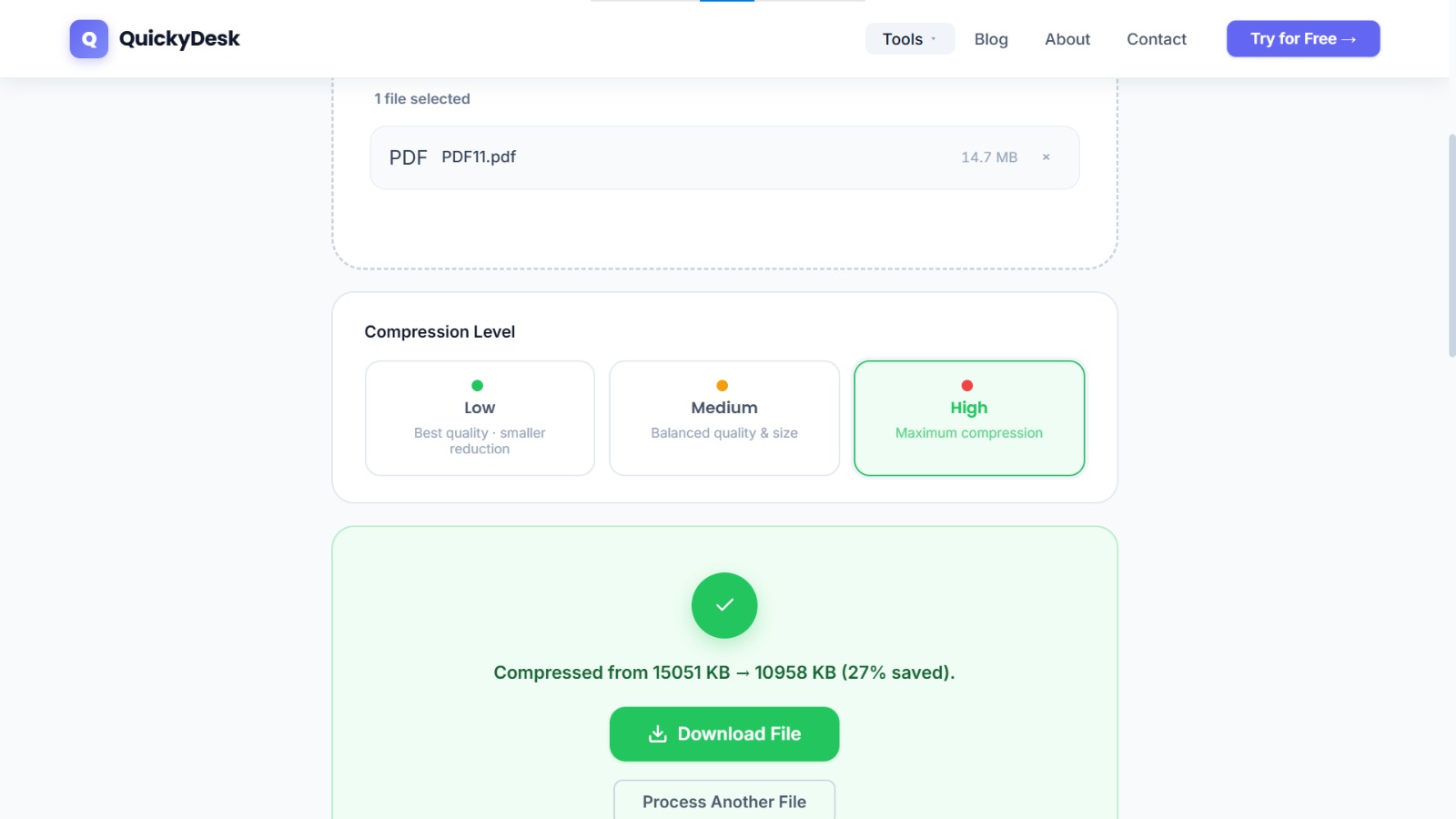
Upload the resume PDF. Processing a one or two-page resume takes just a few seconds.
Step 3: Download and Verify
Download the compressed resume and verify:
- All text is crisp and fully legible
- Any photo or headshot still looks professional at normal viewing size
- Formatting, columns, and layout are intact
- The file size is now under 2 MB
Step 4: Upload to LinkedIn
Upload the compressed version via LinkedIn's Easy Apply button or through Settings → Job Application Settings → Upload Resume.
You may also want to use the free Merge PDF tool to merge resume and cover letter — no account or download required. If you're sending your resume through an insecure channel, see our guide on how to password-protect a PDF for an extra layer of security.
Keep It Readable While You Shrink It
The goal is a smaller file that still looks sharp and stays machine-readable. A few habits make the difference:
- Export, don’t screenshot. A resume saved straight to PDF from Word or Google Docs keeps text selectable; a screenshot turns it into an image that applicant tracking systems cannot parse.
- Compress once, not repeatedly. Each pass can soften an embedded headshot. One Medium-level compression is usually enough to get a one-page resume well under LinkedIn’s limit.
- Check the text afterwards. Open the result and try to select a line of text — if you can highlight it, ATS software can read it too.
- Drop heavy graphics. Full-bleed background images and large logos are the usual reason a single-page resume balloons past 2 MB.
Compress your resume for LinkedIn now
Free, no account required, files deleted after processing.
Compress PDF Free →QuickyDesk offers a complete free PDF toolkit — merge, split, compress, convert, protect, watermark, and more. No account required, no watermarks.
Frequently Asked Questions
What is LinkedIn's file size limit for resume uploads?
LinkedIn Easy Apply accepts resume files up to 2 MB. Your LinkedIn profile resume upload accepts up to 5 MB.
Will compressing my resume affect how ATS systems read it?
Compression reduces file size but does not change the text content, formatting, or structure of the PDF. ATS systems read the underlying text data, which is unaffected by compression.
Why is my resume larger than 2MB if it's just one page?
Large one-page resume PDFs are typically caused by embedded high-resolution photos, decorative graphics, embedded fonts, or print-quality color profiles. Compression eliminates unneeded overhead.