Real property documentation is maintained by three separate government agencies that don't communicate with each other in any user-friendly way. The county recorder maintains the deed. The county assessor maintains the tax parcel record. The county surveyor or GIS department maintains the parcel map.
For anyone who needs to work with the complete picture of a property — buyers, attorneys, title companies, estate executors — assembling that picture means pulling from three different sources and presenting it in one coherent document. Here's how to do it using QuickyDesk's free Merge PDF tool.
Understanding What Each Document Contains
- The property deed — The legal instrument that conveys ownership: grantor and grantee names, legal description, consideration, covenants, notarized signatures, and recording stamps.
- The tax parcel map — The county assessor's cartographic record showing property boundaries, the Assessor's Parcel Number (APN), adjacent parcels, and approximate lot dimensions. Note: this is not a survey and is not used for legal boundary determination.
- The property survey — When available, a licensed survey provides the most legally precise boundary information.
Verify Document Consistency Before Combining
Before merging, confirm all documents describe the same property:
- The APN on the parcel map should match the APN referenced in the deed.
- The legal description in the deed should roughly match the parcel's shape on the map.
- The grantee in the most recent deed should be the current owner of record shown in assessor records.
Recommended Document Order for a Buyer Package
- Cover page (property address, APN, date compiled, purpose)
- Current deed (most recent conveyance)
- Prior deeds (chain of title, if relevant)
- Assessor's parcel map with APN clearly shown
- Tax assessment record (current assessment)
- Survey or recorded plat (if available)
- Any recorded easements or covenants referenced in the deed
Merging with QuickyDesk
Step 1: Open the Merge Tool
Navigate to QuickyDesk's Merge PDF tool. No login required.
Step 2: Upload All Documents in Sequence
Upload: cover page → current deed → prior deeds → parcel map → assessment record → survey/plat → any additional recorded documents.
Step 3: Verify and Merge
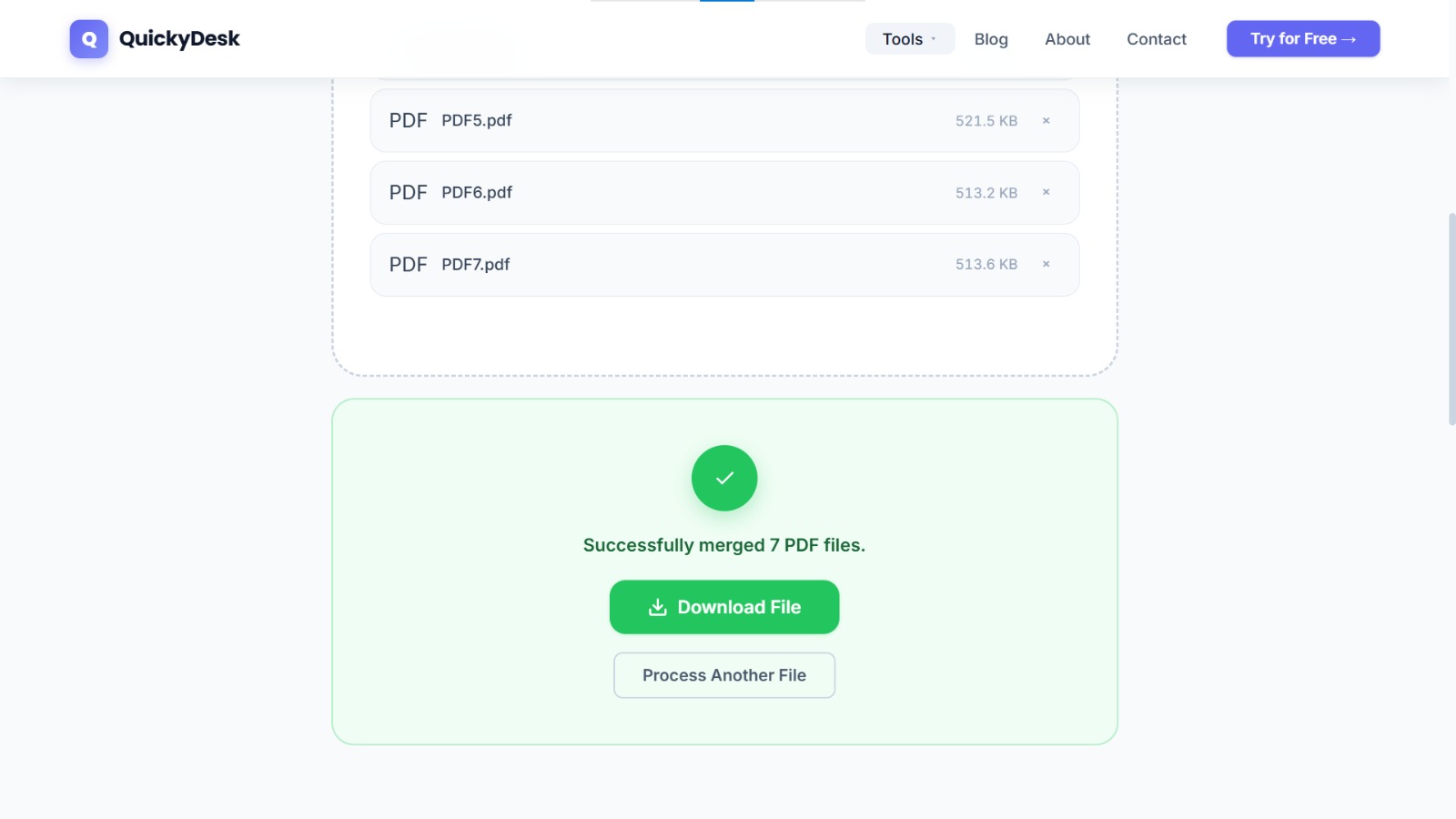
Confirm the upload queue reflects your intended order, then click Merge. For a typical property package of 5–8 documents totaling 15–40 pages, processing completes in under 20 seconds.
Step 4: Compress If Needed
If the merged file exceeds email attachment limits, use QuickyDesk's Compress PDF tool to reduce the size before distributing.
Build your property documentation package
Free, no account required, no watermarks.
Merge PDF Files Free →Protecting the Completed Package
Property deeds and tax maps contain personal and financial information — particularly the grantor/grantee names and legal description of the parcel. Before sharing the compiled package with attorneys, lenders, or buyers, consider password-protecting the PDF so only authorised parties can open it. If you're distributing a "working copy" for review, a DRAFT watermark clearly signals it is not the final recorded instrument.
QuickyDesk offers a complete free PDF toolkit — merge, split, compress, convert, protect, watermark, and more. No account required, no watermarks.
Frequently Asked Questions
What is the difference between a tax parcel map and a property survey?
A tax parcel map is the county assessor's approximation of boundaries for tax purposes. A survey is prepared by a licensed surveyor and provides the legally precise boundary determination. Boundary disputes are resolved by survey, not by parcel maps.
What order should documents appear in a property documentation package?
For a buyer due diligence package: cover page, current deed, prior deeds, assessor's parcel map, tax assessment record, survey or plat if available, and any recorded easements or restrictions.
Where do I obtain property deeds and tax parcel maps?
Deeds are available from the county recorder or register of deeds. Tax parcel maps are available from the county assessor or GIS department. Most counties now have online portals with direct PDF downloads.