Last updated: February 2026
You're ninety percent through an online government application — visa, tax filing, business license, whatever it is — and you reach the document upload step. You attach your file, click upload, and get an error: "File size exceeds maximum limit of 2MB."
Your document is 7 MB. The portal gives you no workaround. No "send by mail instead" option. Just a red error message and a blank upload field.
This is one of the more maddening bureaucratic experiences modern citizens deal with, and it happens more than it should. Government IT systems are often built on aging infrastructure with conservative file size caps that haven't been updated in years. The solution is almost always to compress the PDF before you even attempt the upload — and this guide explains exactly how to do that, including what to watch for when your document contains sensitive personal information.
Understanding Government Portal File Size Limits
Different portals impose different ceilings, and they're often surprisingly tight:
| Portal Type | Typical Maximum File Size |
|---|---|
| USCIS (immigration forms) | 1–6 MB per document |
| IRS e-file supporting docs | 2–4 MB |
| DMV (document uploads) | 1–5 MB |
| Municipal permit portals | 2–5 MB |
| Passport application portals | 1–2 MB |
| State licensing boards | 2–10 MB |
Some portals are less transparent — they don't publish their limit, they just silently fail or display a vague error. If your upload is failing without a clear explanation, file size is a prime suspect.
Why so small? Many of these systems were designed when broadband was less reliable, and maximum file sizes were set to ensure uploads completed within timeout windows. Others have limits tied to database storage constraints that were never revisited when storage costs dropped.
Why Government Documents Tend to Be Large
The irony is that the documents government portals require tend to be exactly the kind that balloon in size:
- Scanned identification documents — passports, driver's licences, national IDs — are typically scanned at 300–600 DPI to ensure barcodes and security features remain legible. A single scanned ID page at 300 DPI can be 2–4 MB.
- Scanned forms with handwriting — because handwritten content is harder for scanners to compress efficiently than printed text, filled forms often come out heavier than blank ones.
- Tax forms and financial statements — PDFs generated by tax software or exported from financial platforms often carry redundant metadata, embedded fonts, and formatting overhead.
- Multi-page applications — bundling multiple required documents (form + supporting evidence + ID) into one PDF can push the total size well above portal limits.
Compressing Government Documents Safely
The primary concern with compressing sensitive personal documents is whether the process will damage critical details: the barcode on your passport scan, the seal on a notarised letter, the signature line on an affidavit.
These concerns are legitimate, but a well-implemented compressor won't touch those elements in any way that affects their legibility or validity. QuickyDesk's Compress PDF tool uses stream-level optimisation rather than blanket image downscaling — it reduces redundant font data, strips unnecessary metadata, and tightens internal structures without destroying visual fidelity.
Step-by-step process
- Visit quickydesk.com/compress. No account needed — the tool is fully free and signup-free.
- Upload your PDF. The connection is encrypted over HTTPS, and your file is transmitted securely.
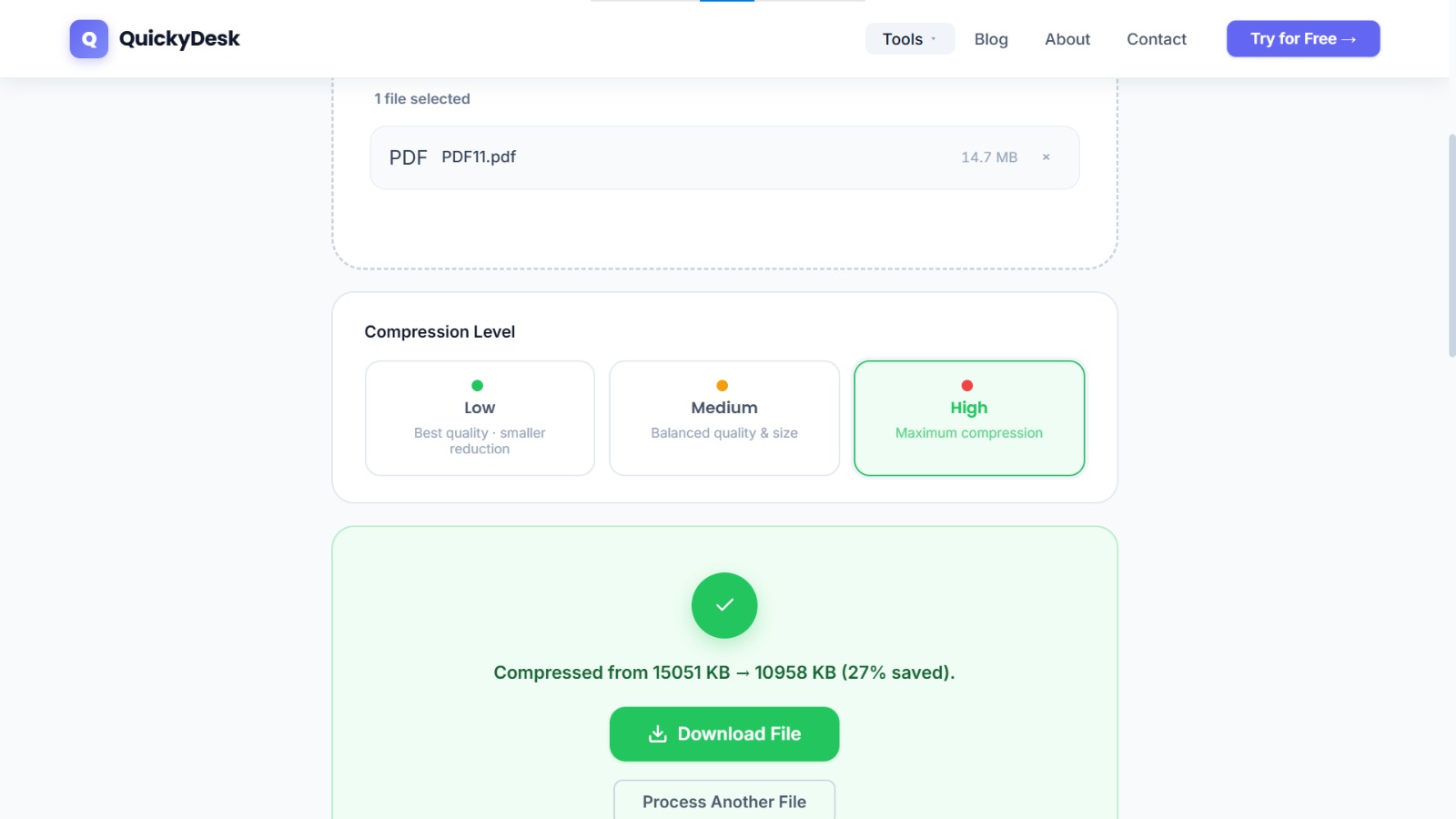
- Let the tool process. This typically takes 10–30 seconds for scanned government documents.
- Review the output size. QuickyDesk displays the compressed file size before you download. Confirm it's within the portal's limit.
- Download and verify the file. Open it and inspect every page before submitting.
QuickyDesk automatically deletes all uploaded files within 15 minutes. Your tax documents, ID scans, and personal information are not retained on any server after your session ends.
Compress your document for upload now
Free, no login required, no watermark — files deleted within 15 minutes.
Compress PDF Free →What to Check Before You Submit
Once you've downloaded the compressed version, spend two minutes on this verification checklist:
- Signatures are visible and complete. Zoom into any signed areas. If a wet signature or stamp was part of the scan, it should appear sharp and unambiguous at 100% zoom.
- Barcodes are scannable. If your document contains a barcode (common on government-issued letters, tax notices, or ID documents), zoom in to verify the bar lines are crisp rather than blurry or pixelated.
- All text is legible. Pan through every page and verify that text hasn't been rendered as a blurry image.
- Page count is correct. Count the pages in the compressed file and confirm it matches the original.
- File size is within the portal's limit. Check the actual file size on your computer (right-click → Properties / Get Info) rather than relying on the tool's displayed estimate.
When Compression Alone Isn't Enough
For multi-document bundles that are very large — say, a package of supporting immigration documents totalling 25 MB — a single compression pass may not get you to a 2 MB limit. In that case, consider a two-step approach:
- Split the bundle into individual documents using the Split PDF tool, then upload each document separately (many portals have separate fields for each document type).
- Compress each document individually — a focused compression on a single 6-page form will achieve better results than compressing a 40-page bundle.
For further detail on the compression process itself, see the Compress PDF Guide and the overview on reducing PDF size for free.
A Note on Using Unknown Online Tools
When you're compressing personal documents — immigration files, tax returns, medical records — being selective about which online tool you use is completely reasonable.
Key things to look for before uploading sensitive documents to any online PDF tool:
- HTTPS connection (padlock icon in the browser address bar) — ensures your file is encrypted during upload
- Explicit file deletion policy — the tool should state clearly when and how your file is removed
- No account required — fewer accounts means fewer data points associated with you
- No watermarking — your official document shouldn't come back branded with a third-party logo
QuickyDesk meets all of these criteria: HTTPS-only connections, automatic 15-minute deletion, no sign-up, and no watermarks added to processed files. After compressing, if you're archiving the document or sending it to a third party before the official submission, you can also add password protection as an extra precaution.
QuickyDesk offers a complete free PDF toolkit — merge, split, compress, convert, protect, watermark, and more. No account required, no watermarks.
FAQ
Will compressing my PDF make my signature or official stamp unclear?
Not with a quality compressor. QuickyDesk's compression optimises internal data structures and doesn't apply destructive downscaling to embedded images. Your signatures and stamps will remain visually intact. Always verify by opening the compressed file before submitting.
The portal error says "invalid file format" — could that be a compression issue?
Unlikely. A "file format" error usually means the portal is expecting a specific PDF version or a non-encrypted file. Try opening the original in your browser, using Print → Save as PDF to generate a clean version, then compress that.
My document is a scanned image inside a PDF. Will compression work the same way?
Yes, but the size reduction may be more modest than for text-based PDFs. Scanned image PDFs are already stored as compressed images internally. The tool can still remove metadata overhead and optimise JPEG streams, typically achieving 20–50% reduction on scan-heavy files.
Can I compress a password-protected government PDF?
No — you'll need to remove the password protection before compressing. Government-issued PDFs are sometimes encrypted to prevent editing. If the document is for submission purposes only, contact the issuing agency for an unprotected version, or print and re-scan it as a clean PDF.
Is the compressed PDF still a legally valid document?
Yes. Compression does not alter the content of a document — it optimises how that content is stored. The information, signatures, and dates are unchanged, and the file remains a standard, valid PDF.