Your resume might be getting rejected by software before a single human being reads it. Not because of your experience, not because of your skills — but because the file itself is too heavy for an automated parser to handle cleanly.
Applicant Tracking Systems have become the standard intake layer at most mid-to-large employers. Every application submitted through Workday, Greenhouse, Lever, iCIMS, or a company's own careers portal runs through one. When parsing fails, candidates don't get a warning. The application either gets dropped, or it enters the system with corrupted or missing data that makes the candidate appear less qualified than they are.
How ATS Systems Actually Parse Your Resume
There are two methods ATS platforms use to extract text from PDFs:
- Direct text extraction — the parser reads the underlying text data embedded in the PDF. This is fast, accurate, and works perfectly on PDFs where text is encoded as actual characters.
- OCR (Optical Character Recognition) — if direct extraction fails, some platforms fall back to OCR. OCR reads text by analyzing the visual shape of characters. It's slower, less accurate, and handles stylized fonts poorly.
When your PDF is very large or structurally complex, parsers can time out, partially parse, or silently fail before completing.
Why Canva and Design-Heavy Resumes Carry the Most Risk
Resumes built in Word or Google Docs and exported to PDF are generally lightweight and text-forward. Resumes designed in Canva, Adobe InDesign, or Figma are a different story:
- Text rendered as vector paths — in some design tools, stylized text is exported not as character data but as vector outlines. A parser reading this sees shapes, not words.
- Background layers and masks — complex visual designs embed multiple image layers that inflate file size.
- Non-standard fonts embedded in full — design tools sometimes embed the entire font file, adding hundreds of kilobytes.
- Multi-column layouts — columns that look clean on screen can confuse a parser that reads the PDF linearly, producing garbled output.
The File Size Sweet Spot for ATS Compatibility
The professional consensus from recruiting technologists is consistent: keep resume PDFs under 1 MB. Under 500 KB is better. At these sizes:
- Parsers complete extraction without timing out
- Upload operations are instantaneous even on slow connections
- The file is well within any portal's attachment limit
- Email delivery is reliable without triggering corporate server limits
How to Compress Your Resume Without Losing Keyword Integrity
Will compression strip out keywords? No. Compression applied through QuickyDesk's Compress PDF tool targets file structure — redundant font data, metadata overhead, internal object tables — not text content. Every keyword remains intact and parseable after compression.
- Open QuickyDesk's Compress PDF tool. No account creation required — the tool has no login and no file history.
- Upload your resume PDF.
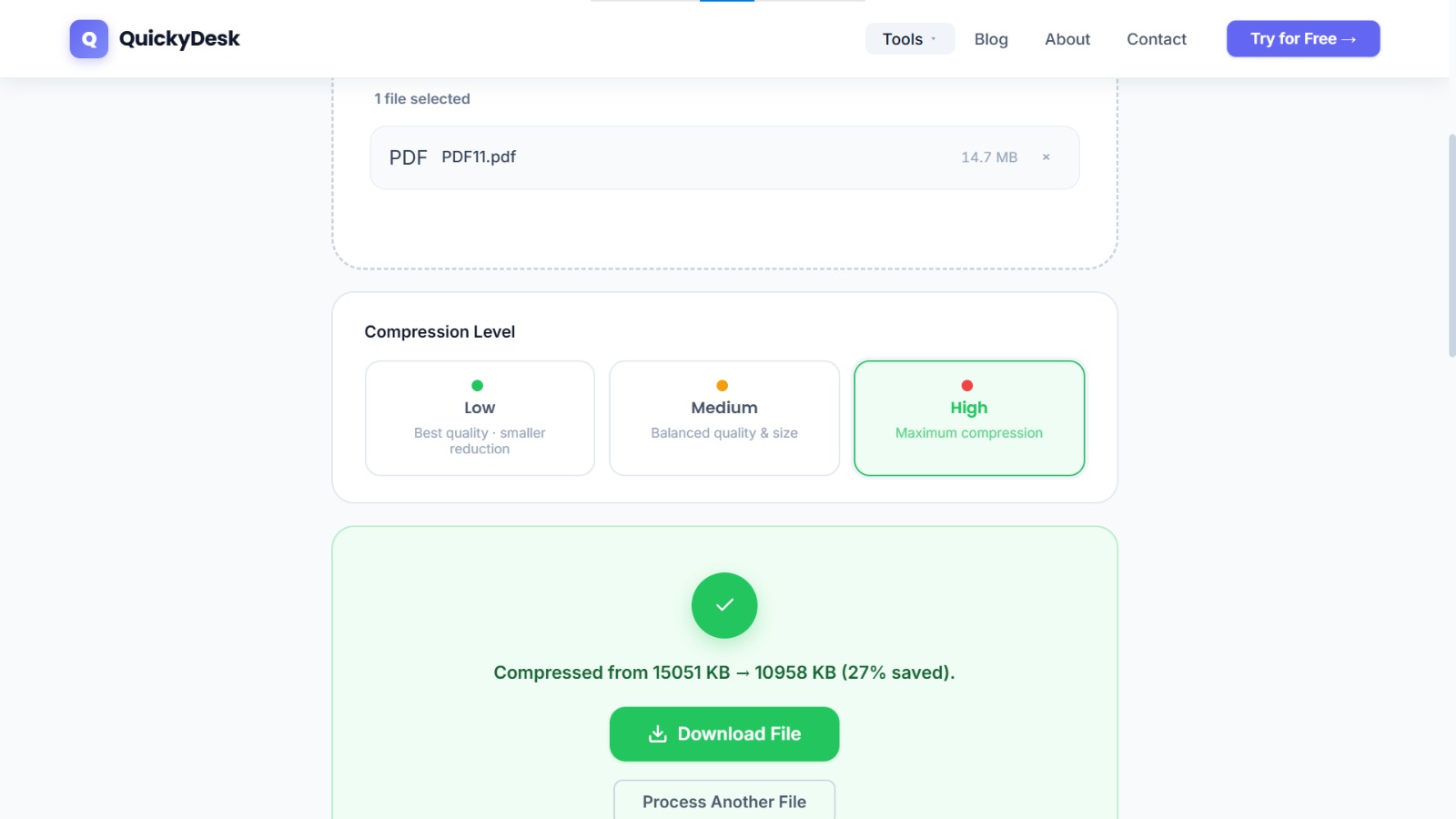
- Download the compressed file. Review the before and after file sizes to confirm the reduction.
- Run a keyword test: Open the compressed file and press Ctrl+F. Search for your name, a current job title, and a skill. If these are found, the text is properly embedded and parseable.
Compress your resume PDF
Free, no login required. Get under 1 MB without losing a single keyword.
Compress PDF Free →ATS Formatting Checklist Before You Apply
- Font is standard — Calibri, Arial, Times New Roman, Georgia, or Garamond
- Text is selectable — open the PDF and try to highlight a line of text
- No text boxes placed over images
- Single-column layout, or clearly separated columns
- No tables for core content (work history, skills)
- File is under 1 MB — confirmed after compression
- Filename is professional:
FirstName_LastName_Resume.pdf
What to Do If Your Resume Was Designed in Canva
Option 1: Recreate in a word processor — import the visual structure into a Word or Google Docs template. This produces a fully parseable, lightweight file.
Option 2: Maintain two versions — keep the Canva design for networking and direct outreach. Create a separate clean Word-export version for online portal submissions. Many career coaches recommend this dual-version approach.
For the cover letter, use the Merge PDF tool to combine your resume and cover letter into one submission-ready file — most job portals require a single PDF. See our full guide on combining a resume and cover letter into one PDF. If you're submitting to a recruiter via email rather than a portal, you may also want to add a watermark marking it as confidential or for a specific recipient.
QuickyDesk offers a complete free PDF toolkit — merge, split, compress, convert, protect, watermark, and more. No account required, no watermarks.
FAQ
Does compressing a resume PDF remove embedded keywords?
No. Compression removes structural overhead, not text content. Every keyword, skill, and job title in the document is completely preserved.
My resume is only 2 MB. Is that still a problem?
It's worth compressing. Some older ATS platforms have parsing timeout thresholds that favor smaller files. Getting under 1 MB is the safest target for broad compatibility.
How do I know if my resume's text is actually parseable?
Open the PDF, press Ctrl+A to select all content, then Ctrl+C to copy it. Paste into a blank text document. If your work history, skills, and contact details appear as readable text, the PDF is parseable.
Can I compress a resume with a digital signature or official stamp?
Compression doesn't remove or alter digital signatures embedded in PDFs. Verify visually after compression that any seals or stamps are still clear and complete.
Should I submit a PDF or a Word document to ATS portals?
PDF is generally preferred because it preserves your formatting regardless of the recipient's software version. Ensure your PDF has selectable text, is under 1 MB, and uses standard fonts.