Master lease structures are common across co-living buildings, student housing, commercial office spaces, and multi-unit residential properties. The result, administratively, is often a single multi-section PDF containing everything — shared building terms, per-unit addenda, individual signature blocks, and financial terms no subtenant should see.
Distributing this document to subtenants without splitting it first is a privacy problem with real legal consequences. Here's how to do it correctly using QuickyDesk's free Split PDF tool.
Why Master Leases End Up as One Document
Attorneys drafting master leases write the shared provisions once and reference them in each subtenant's addendum. Property management platforms like AppFolio and Yardi also export lease packages as consolidated PDFs. The individual extraction is always a post-export step.
Map the Document Before Splitting
Spend 15 minutes with the complete master lease and create a reference table using the PDF viewer's page counter — not any printed numbers inside the document:
- Building shared terms: pages 1–12 (distribute to all subtenants)
- Unit 1 specific terms: pages 13–19 (Unit 1 only)
- Unit 2 specific terms: pages 20–26 (Unit 2 only)
- Head tenant commercial terms: pages 34–40 (do NOT distribute)
- Building rules addendum: pages 41–44 (all subtenants)
Splitting the Lease PDF with QuickyDesk
Step 1: Open the Split Tool
Navigate to QuickyDesk's Split PDF tool in any browser. No installation or account required.
Step 2: Upload the Master Lease
QuickyDesk processes over encrypted HTTPS and does not retain files after the session ends — important for sensitive tenancy documents.
Step 3: Enter the Page Range for Each Unit
For Unit 1's package (shared terms + unit addendum + building rules + their signature page):
Enter: 1-12, 13-19, 41-44, 45
Step 4: Download and Name Immediately
Use a filename like SubleasePkg_Unit1_Chen_Mei_2026-06.pdf. The combination of unit number and tenant name prevents sending the wrong document to the wrong person.
Step 5: Repeat for Each Unit
Always re-upload the original master lease — not a previously extracted file — for each subsequent unit.
You may also want to use the free Compress PDF tool to compress the result — no account or download required.
Which Pages Tenants and Landlords Actually Need
A full lease can run 30 pages, but most requests only concern a handful. Splitting out the relevant section is faster for everyone and avoids circulating sensitive personal details unnecessarily:
- For a tenant’s employer or guarantor — usually just the signature page and the rent and term summary, not the full document.
- For a maintenance contractor — the clauses covering responsibilities and access, nothing more.
- For renewal — the term and rent-escalation pages.
Before sharing any extracted pages, double-check they don’t carry bank details, government ID numbers, or other data the recipient doesn’t need. When in doubt, extract less rather than more.
Non-Consecutive Page Extractions
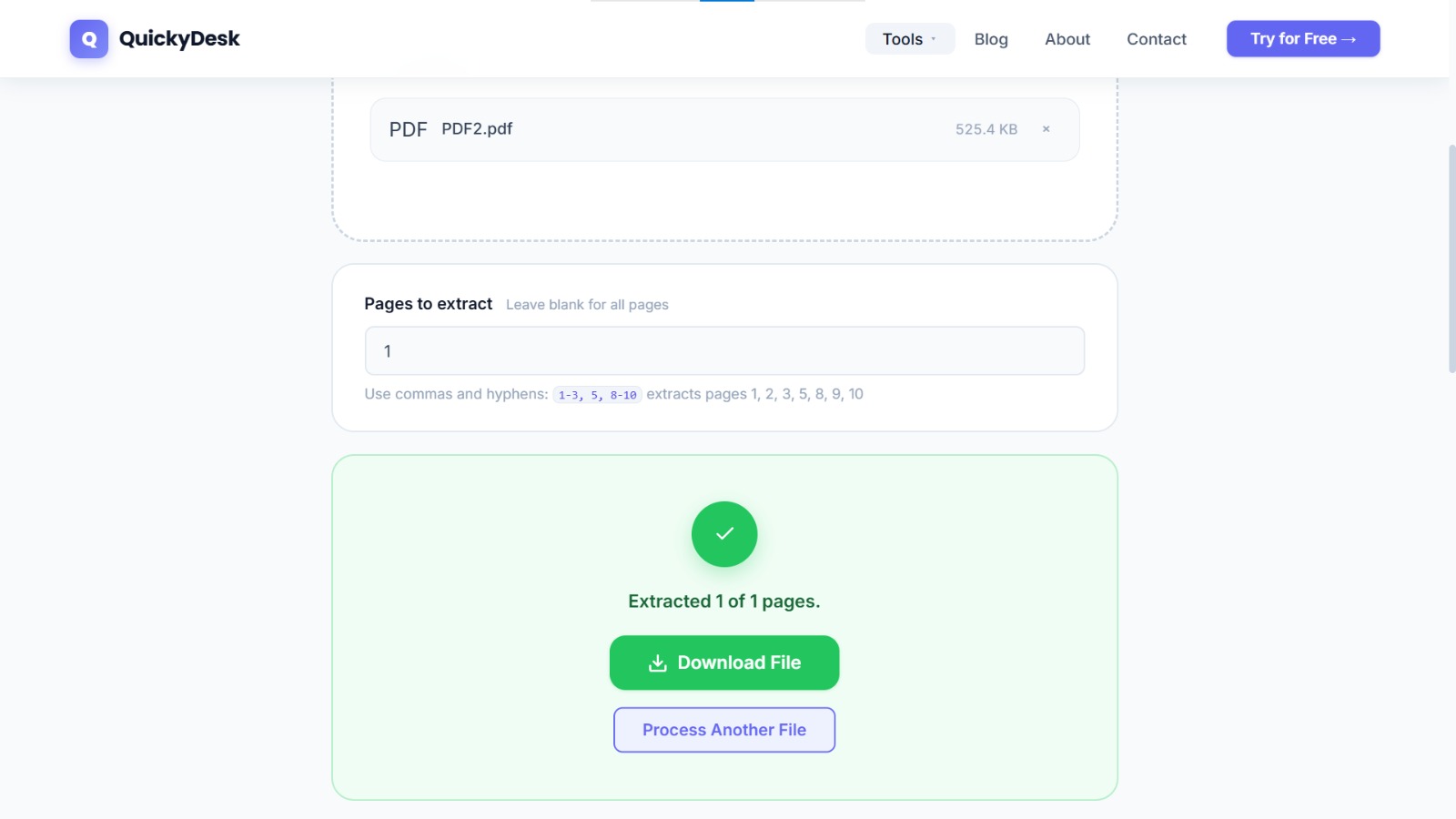
Sometimes the sections you need aren't contiguous. QuickyDesk's split tool accepts comma-separated ranges. To extract pages 1–12, then 20–26, then a single page 52, then pages 58–59:
Enter: 1-12, 20-26, 52, 58-59
The resulting PDF contains all those pages in order as a single continuous document.
After Splitting: Distribution
Send each subtenant's package to their email with a clear subject line: "Your Unit 1 Sublease Package — 456 Oak Street." Request a reply confirming receipt. Alternatively, use DocuSign or Adobe Sign to upload each extracted PDF individually, place signature fields, and send each person only their own document for execution.
For lease documents sent outside a secure portal, consider adding password protection before emailing — this ensures only the intended recipient can open it.
QuickyDesk offers a complete free PDF toolkit — merge, split, compress, convert, protect, watermark, and more. No account required, no watermarks.
Frequently Asked Questions
Can I use this workflow for commercial subleases?
Yes. Commercial sublease packages follow the same structure. Commercial leases tend to be longer and contain more detailed financial terms, making the mapping step even more important.
Does splitting affect digital signatures already on the document?
The split extracts pages including visible signatures. The cryptographic digital signature record may show as invalid in Acrobat's signature validation. Retain the original executed master lease as the primary signed record; the extracted packages are distribution copies.
How do I handle non-consecutive page extractions?
QuickyDesk's split tool accepts comma-separated ranges. Enter ranges like 1-12, 20-26, 52, 58-59 to extract non-consecutive pages into one continuous document.