Online rental application platforms — Zillow Rental Manager, Apartments.com, DoorLoop, AppFolio — typically export joint applications as a single consolidated PDF. Every adult applicant's income documentation, employment verification, rental history, references, and consent forms land in the same file.
This consolidated format is convenient for collection. It creates real problems for distribution, screening, and compliance. Here's how to split it properly using QuickyDesk's free Split PDF tool.
The Privacy and Compliance Case for Individual Files
Under the Fair Credit Reporting Act (FCRA), landlords must obtain separate written consent from each consumer before obtaining a consumer report. Sending an individual's file to a screening service reduces the data shared to only what is necessary for that specific person. State laws including California's CCPA and similar legislation in Colorado, Virginia, and Oregon add further data minimization obligations.
Map the Joint Application Before Splitting
Open the joint application PDF and use your viewer's search function to find each applicant's name. Note the PDF toolbar page counter — not any printed numbers inside the document — for each applicant's section start and end.
Create a reference table:
- Martinez, Sofia — shared pages 1–3, individual pages 4–16 → range:
1-3, 4-16 - Chen, David — shared pages 1–3, individual pages 17–28 → range:
1-3, 17-28 - Thompson, James — shared pages 1–3, individual pages 29–41 → range:
1-3, 29-41
Splitting the Application with QuickyDesk
Step 1: Open the Split Tool
Navigate to QuickyDesk's Split PDF tool in any browser.
Step 2: Upload the Joint Application
Application documents contain Social Security numbers, dates of birth, and income details. QuickyDesk uses encrypted HTTPS and does not retain files after the session ends.
Step 3: Extract Applicant 1's Package
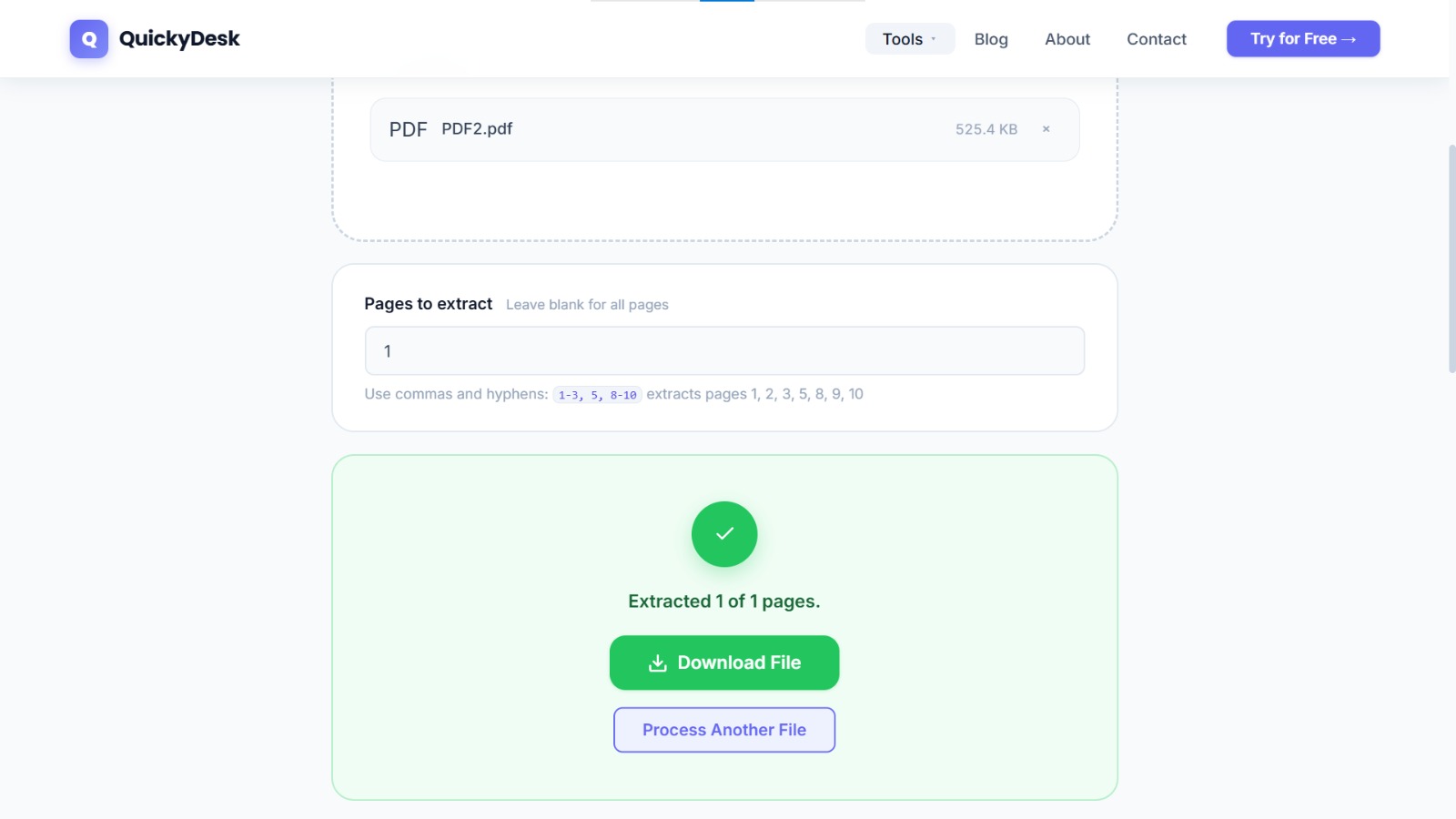
Enter the combined range from your reference table: 1-3, 4-16
Step 4: Download and Name the File
Use a filename like Application_Martinez_Sofia_456OakSt_Unit3.pdf. Include the property address and unit number to keep files separated when managing multiple properties simultaneously.
Step 5: Repeat for Each Applicant
Always re-upload the original joint application — not a previously extracted file — for each subsequent applicant.
You may also want to use the free Merge PDF tool to merge the final documents — no account or download required.
What to Do With Individual Files
- Background and credit screening — Upload each individual file separately to TransUnion SmartMove, Checkr, or RentSpree.
- Reference verification — Have only the relevant applicant's file open during employer or landlord reference calls.
- Decision documentation — Document screening decisions against each individual applicant's file separately for fair housing compliance.
- Secure archiving — Rental applications contain SSNs, income data, and employment history. Password-protect individual applicant files before archiving or emailing to a property management system.
QuickyDesk offers a complete free PDF toolkit — merge, split, compress, convert, protect, watermark, and more. No account required, no watermarks.
Frequently Asked Questions
Are we legally required to keep the original joint application?
Yes. Retain the original joint application as your compliance archive. The individual split files are your working documents. Keep both.
Why split applications before sending to a screening service?
Under the FCRA, landlords must obtain separate written consent from each consumer before obtaining a consumer report. Sending individual files reduces data shared with the screening provider to only what is necessary for that specific person.
What if co-applicants have different rental histories requiring different timelines?
Individual application files make this manageable. Each applicant's file can move through the screening process at its own pace without holding up other applicants.