Case files compiled by investigators, attorneys, or HR departments often consolidate everything into a single PDF — incident reports, evidence photographs, interview transcripts, and witness statements all in one document. This consolidated format is useful for internal review but creates challenges when individual sections need to be routed separately.
Witness statements in particular often need to be sent to opposing counsel during discovery, shared with witnesses for review and signature, or distributed to specific team members — without disclosing the full case file. Here's how to extract them efficiently using QuickyDesk's free Split PDF tool.
Map the Case File Before Extracting
Open the case file PDF and navigate section by section. Use your PDF viewer's search function to find each witness's name. Note the page counter in the toolbar for each statement's start and end pages.
Create a reference table:
- Witness 1 — Johnson, Marcus: pages 8–12
- Witness 2 — Chen, Sandra: pages 13–17
- Witness 3 — Okafor, David: pages 34–39
Extracting Witness Statements with QuickyDesk
Step 1: Open the Split Tool
Navigate to QuickyDesk's Split PDF tool in any browser. No account required.
Step 2: Upload the Case File PDF
Case files contain sensitive personal and legal information. QuickyDesk processes files over encrypted HTTPS and does not retain them after the session ends.
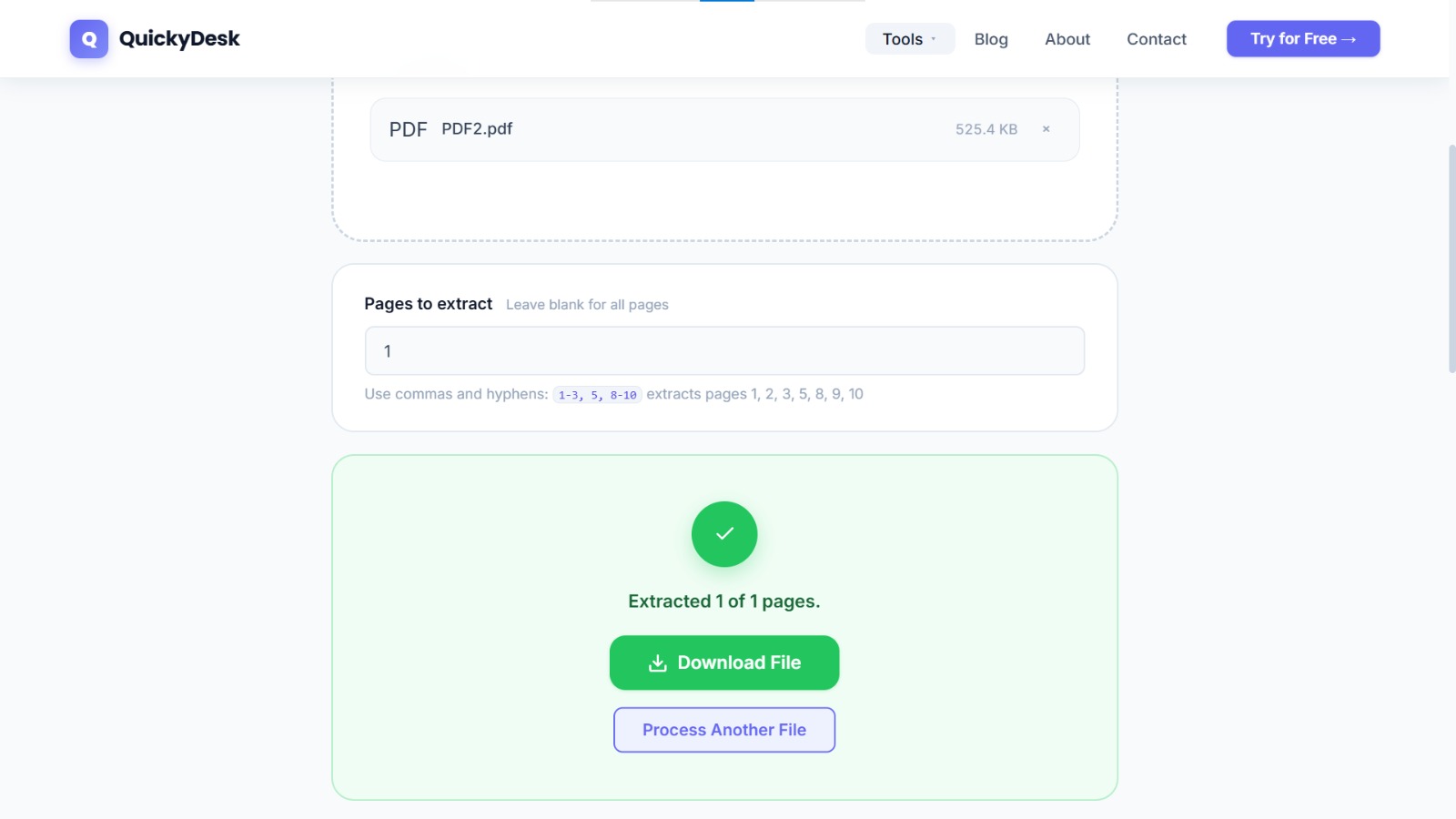
Step 3: Enter the Page Range for Each Statement
For Marcus Johnson's statement on pages 8–12: enter 8-12. Download and name the file: WitnessStatement_Johnson_Marcus.pdf. Return to the tool and re-upload the original case file for each subsequent extraction.
Step 4: Compile Multiple Statements If Needed
If you need all witness statements as a single exhibit, extract each one and then use QuickyDesk's Merge PDF tool to combine them into one ordered document.
Common Mistakes to Avoid
When separating witness statements from a master case file, a few errors can compromise the result — or the case:
- Splitting on the wrong page boundary. Statements often run onto a shared page with the next witness. Confirm exact start and end pages before extracting so no testimony is split or duplicated.
- Forgetting exhibits attached to a statement. If a statement references exhibits on later pages, include those page ranges in the same extraction.
- Distributing without redaction. A combined file may contain personal data that should not reach every recipient. Review each extracted statement before sending.
- Renaming carelessly. Use a consistent, non-identifying naming scheme so files are easy to track without exposing witness identities in the filename.
Securing Extracted Statements Before Distribution
Witness statements contain personally identifiable information and sensitive legal content. Before sharing an extracted statement with opposing counsel, a witness, or co-counsel, consider password-protecting the PDF to limit access to the intended recipient. See our full guide on PDF security and encryption.
QuickyDesk offers a complete free PDF toolkit — merge, split, compress, convert, protect, watermark, and more. No account required, no watermarks.
Frequently Asked Questions
Why do law firms need to separate witness statements from case files?
Witness statements often need to be shared with opposing counsel during discovery, sent to witnesses for review and signature, or routed to specific team members — without disclosing the entire case file.
Does splitting a PDF affect the content of extracted pages?
No. The Split tool extracts exact copies of the specified pages. Text, images, signatures, and stamps are preserved exactly as they appear in the original.
Can I extract statements from multiple sections of a long case PDF?
Yes. Use comma-separated ranges to extract non-consecutive pages. For example, entering 8-12, 34-38, 67-71 produces one PDF containing all three sections in sequence.