Most billing and accounting platforms generate invoices efficiently — all at once, in a single batch export. At the end of the month, you run your billing cycle, and the system produces one consolidated PDF containing every client's invoice, back to back, in sequence.
This is convenient for generating and archiving. It is a disaster for distribution — because the moment you send that file to any one client, they can see every other client's invoice: their names, their rates, their order details, and sometimes their contact information.
Why Bulk Invoice Files Need to Be Separated
Client confidentiality
Commercial pricing is often negotiated individually. Client A is paying a rate that Client B doesn't know about and that you've agreed not to disclose. A bulk invoice PDF sent to Client A contains Client B's rate on the next page. That's a confidentiality breach regardless of whether it was intentional.
Invoice matching and processing
Accounts payable teams receive invoices, log them against purchase orders, and route them for approval. Receiving a 47-page PDF containing dozens of invoices — none of which belong to their organization — creates a processing problem and delays payment.
Professional presentation
An individually addressed, single-page invoice signals a professional operation. A bulk file with "Page 23 of 47" in the footer signals a back-office export the recipient was never supposed to see.
Mapping Your Bulk Invoice PDF Before Splitting
Before opening any tool, identify the structure of your exported file. Build a reference list:
| Client | Invoice Pages |
|---|---|
| Acme Corp | Pages 1–2 |
| Brightfield Ltd | Pages 3–3 |
| Castillo Partners | Pages 4–5 |
| Delvard Solutions | Pages 6–8 |
This prevents errors and lets you work through the split process systematically.
Splitting the Bulk PDF Using QuickyDesk
- Open the Split PDF tool from QuickyDesk. Free, requires no account. Uploaded files are permanently removed from the server shortly after processing.
- Upload the bulk invoice PDF.
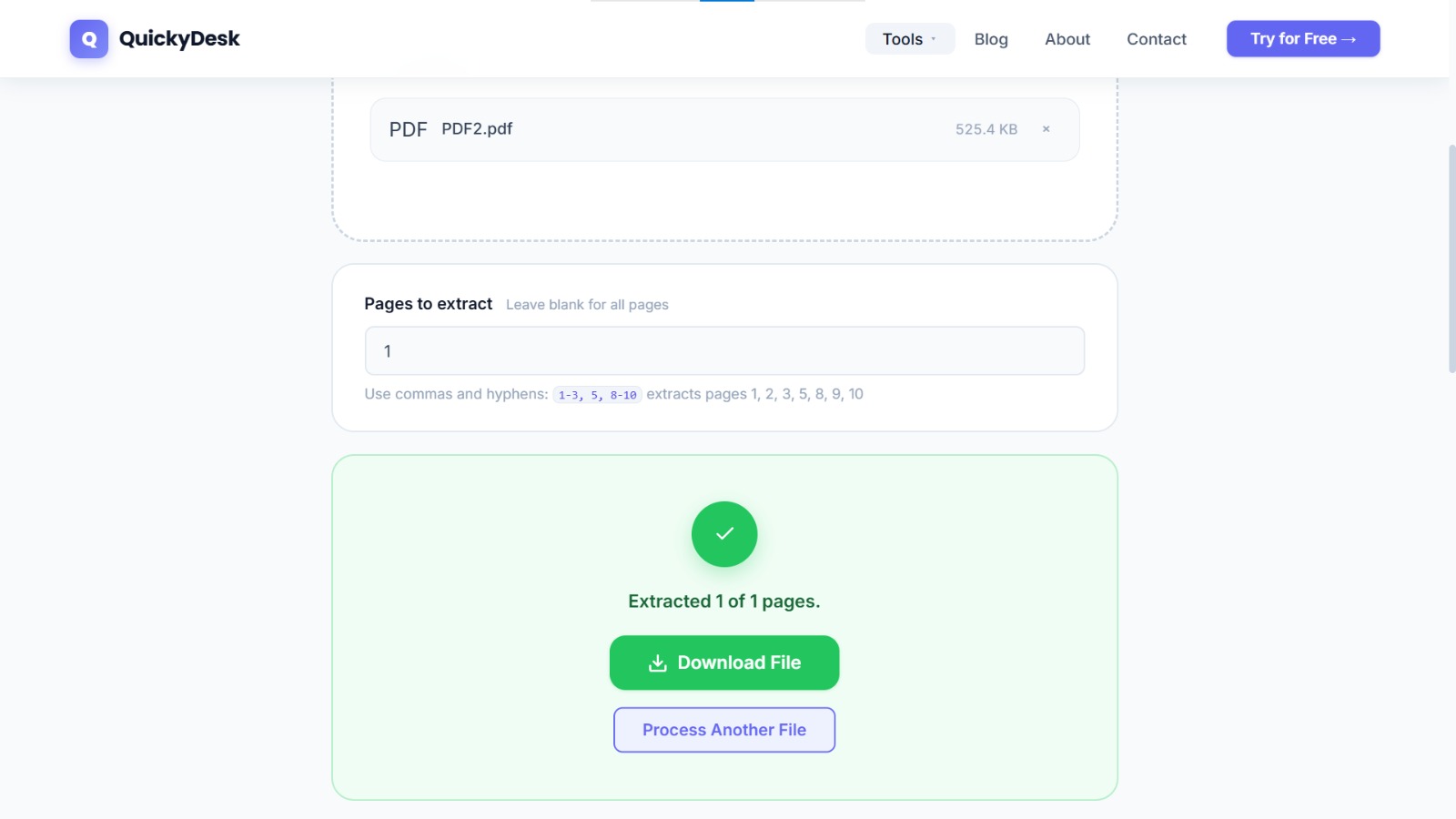
- Enter the page range for the first client. For a single-page invoice, enter
1. For a two-page invoice on pages 1–2, enter1-2. - Download Client A's invoice. Save immediately with a clear filename before moving to the next client.
- Return to the tool and repeat for each client. Upload the bulk file again, enter the next client's page range, and download their invoice.
For a billing cycle with 20 clients, this takes roughly 15–20 minutes — significantly less than the time required to manage a confidentiality complaint or a delayed payment from a confused AP department.
Split your invoice PDF now
Free, no login required. Extract any page range in seconds.
Split PDF Free →Naming Individual Invoice Files Consistently
Recommended format: ClientName_InvoiceNumber_YYYY-MM.pdf
Examples:
AcmeCorp_INV-2847_2026-05.pdfBrightfieldLtd_INV-2848_2026-05.pdfCastilloPartners_INV-2849_2026-05.pdf
Avoid filenames like invoice_final.pdf, client2.pdf, or may_billing.pdf — these are ambiguous in your own files and unprofessional in the client's inbox.
If any individual invoice file is large after splitting, use Compress PDF to reduce its size before emailing to clients.
Archiving the Original Bulk File
After splitting and distributing individual invoices, don't discard the original bulk export. Keep it in your internal billing records — it serves as the master record, provides an audit trail if a payment dispute arises, and can be referenced if a client loses their individual invoice. Store it in an internal folder: INTERNAL_BulkInvoiceExport_2026-05.pdf.
For related workflows, see our guide on splitting a joint PDF contract for individual signatures. To protect the master bulk file before storing it, see our guide on how to password-protect a PDF.
QuickyDesk offers a complete free PDF toolkit — merge, split, compress, convert, protect, watermark, and more. No account required, no watermarks.
FAQ
What if a client invoice spans non-consecutive pages in the bulk file?
Use comma-separated syntax to extract non-consecutive pages. Enter 4, 7-8 to get page 4 and pages 7–8 as one output file.
Can I split the bulk file into all individual invoices in one operation?
The Split PDF tool works per extraction — one range per operation, one file at a time. For large volumes, a billing platform with per-client export would be more efficient.
My bulk export mixes invoices with internal cover pages I don't want to send.
Simply exclude those pages from every client's range definition. If page 1 is an internal summary, begin every client's range at the correct starting page and the cover page won't appear in any output.
After splitting, a client says they received the wrong pages. What should I do?
Go back to your reference list, reopen the bulk PDF, verify the actual page numbers, re-split with the correct range, and resend.
Is the split output a valid PDF that accounting software can import?
Yes. The extracted pages are a standard, valid PDF file. Any AP platform that accepts PDF invoice imports will process split invoice files without issue.